Verification & password reset
The email flows: verification links, reset links, your landing pages.
Your pages, your brand
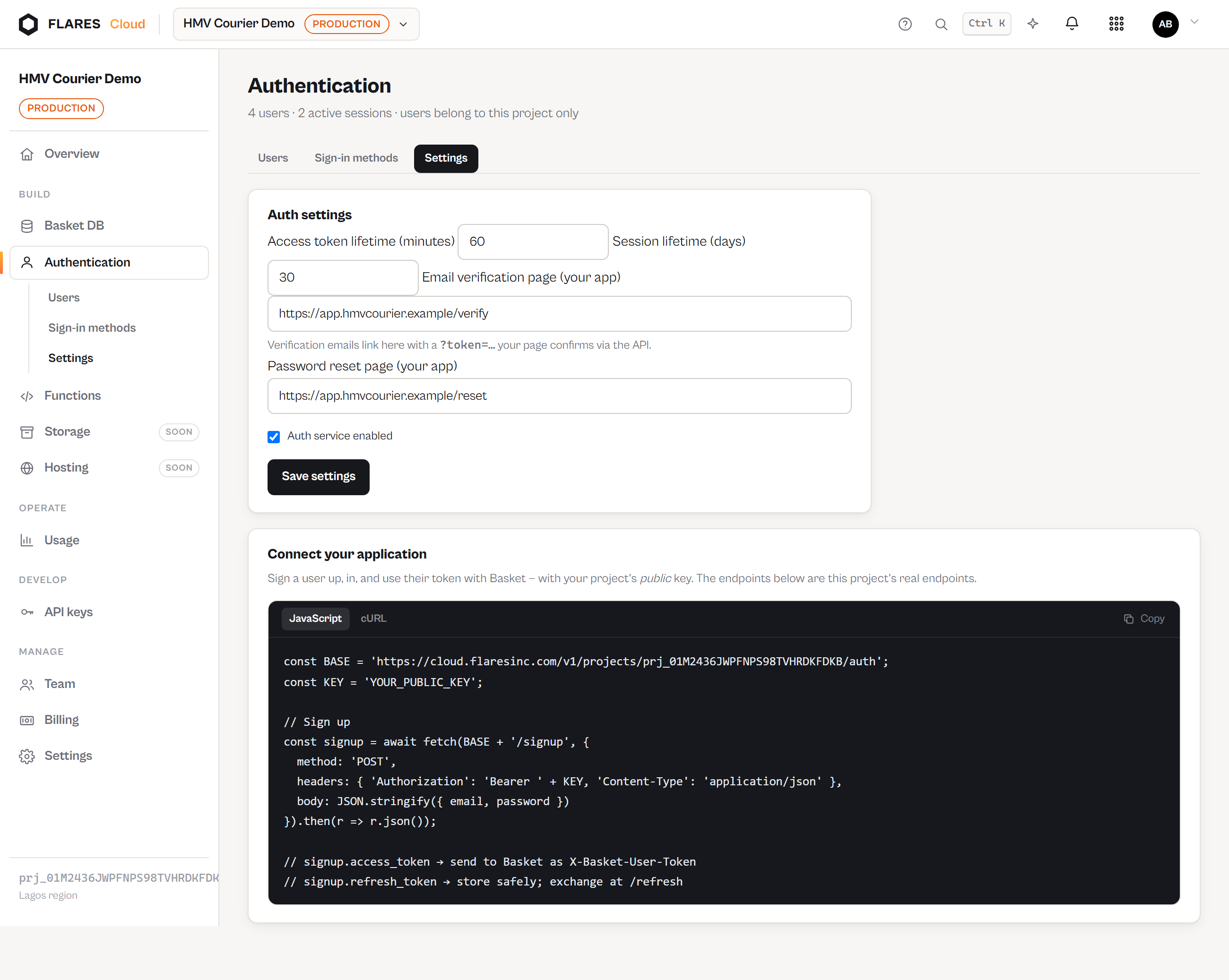
Verification and reset links point into your application, not a Flares page. Configure both in Auth → Settings:
- Email verification page — e.g.
https://app.example.com/verify - Password reset page — e.g.
https://app.example.com/reset
Flares appends ?token=…. Your page reads the token and calls the confirm endpoint.
The URLs are configuration, never taken from an API caller — a mailed link that went wherever
the request said would be an open redirect with our stamp on it.
Email verification
// Ask for a link (needs the user's access token)
POST /v1/projects/{project}/auth/verify/request

// Your /verify page confirms it
POST /v1/projects/{project}/auth/verify/confirm    {token}
// → { verified: true, user }
Links last 48 hours, work once, and are bound to the project that issued them.
Password reset
// From your "forgot password" form
POST /v1/projects/{project}/auth/password/forgot   {email}
// → { sent: true } — the same answer for every address

// Your /reset page completes it
POST /v1/projects/{project}/auth/password/reset    {token, password}
// → { reset: true }   (and every session of that user is revoked)
Reset links last 60 minutes and work once. Completing a reset also marks the email verified — control of the inbox was just proven.
Delivery
Auth email goes through the Flares transactional mail infrastructure, with your project's name in the subject and body. Rate limits apply per project, address and identifier so the send endpoints cannot be used to mail-bomb someone.