Projects
The unit of everything: creating projects, the overview, environments, deletion.
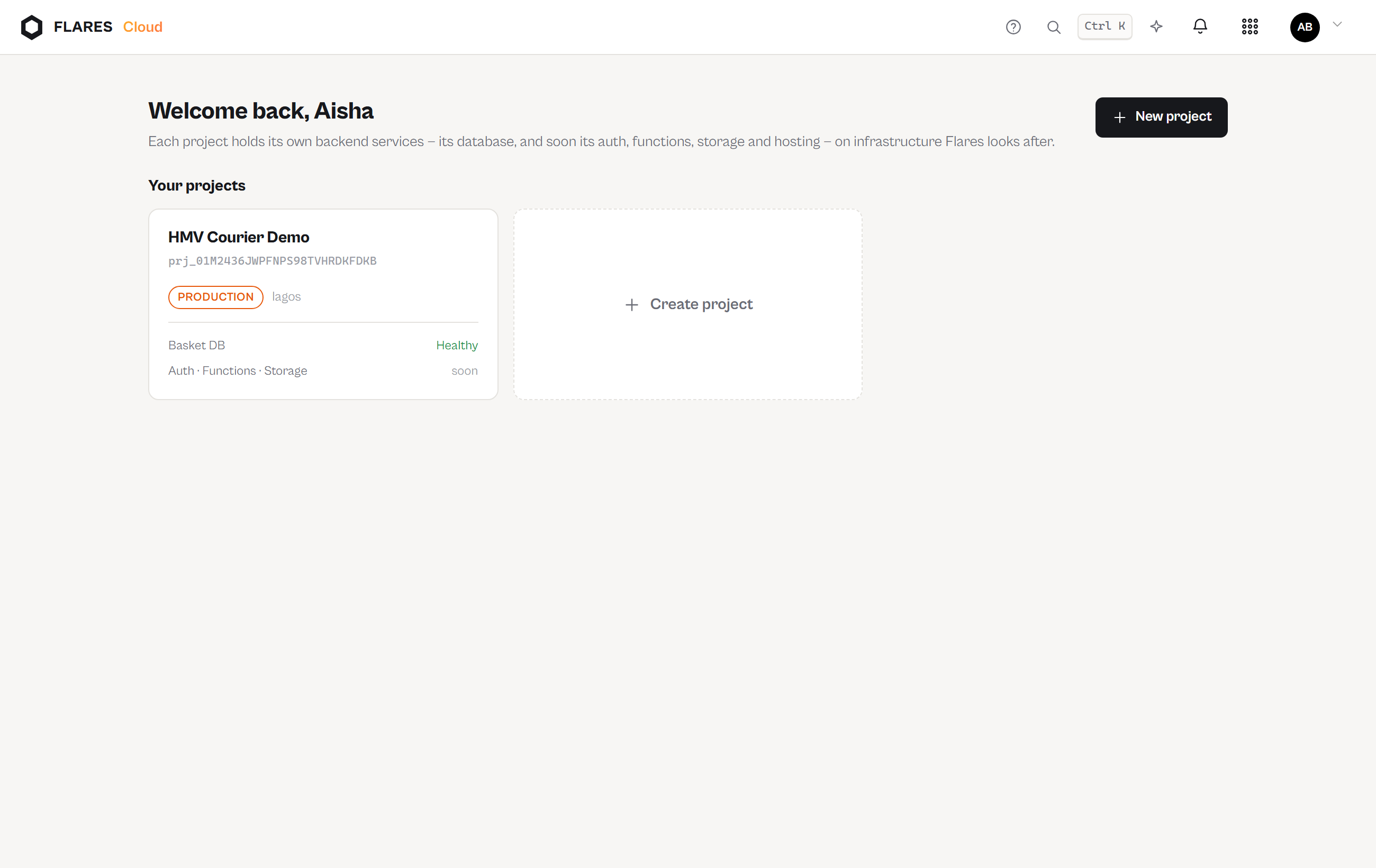
The console home
cloud.flaresinc.com/cloud lists every project you belong to, with its region,
environment and state, and the form that creates another.
Creating a project
A project needs a name and an environment (development or production — a label that appears everywhere, so staging data never masquerades as production). Creation provisions an isolated database on a Fareedah cluster; until that finishes the project reports Provisioning honestly rather than pretending to be ready.
The project overview
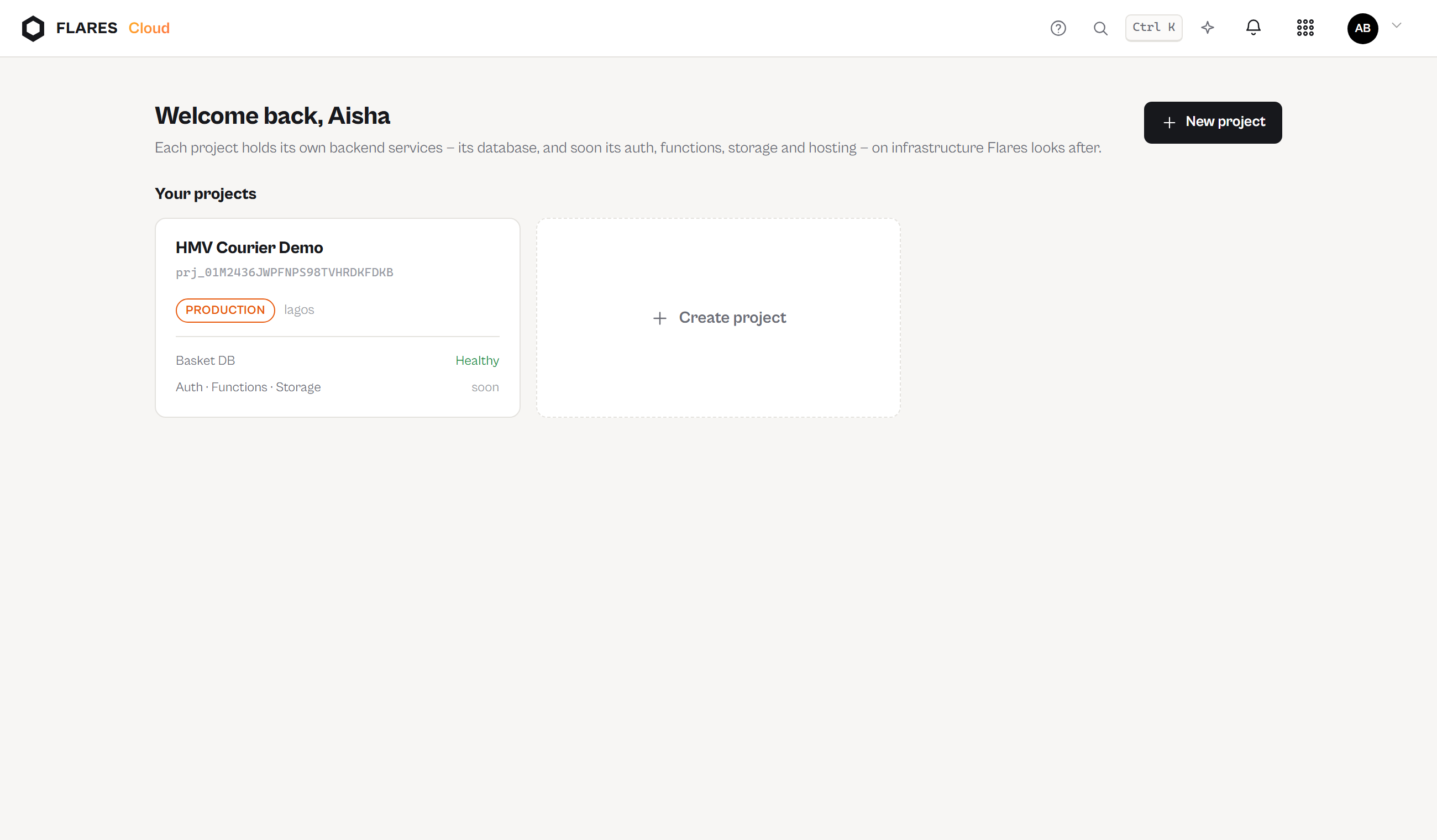
The overview is a services grid — each service with its real state and its own door:
- Basket DB — available once provisioning completes.
- Auth — Not enabled until you switch it on; then available.
- Functions — available; it needs only the project itself.
- Storage, Hosting — marked Coming soon; nothing about them is clickable into pretending.
Below the grid: a quickstart checklist computed from what is actually true (keys created, collections present, usage this month) — never a stored checklist that can drift.
Settings and deletion
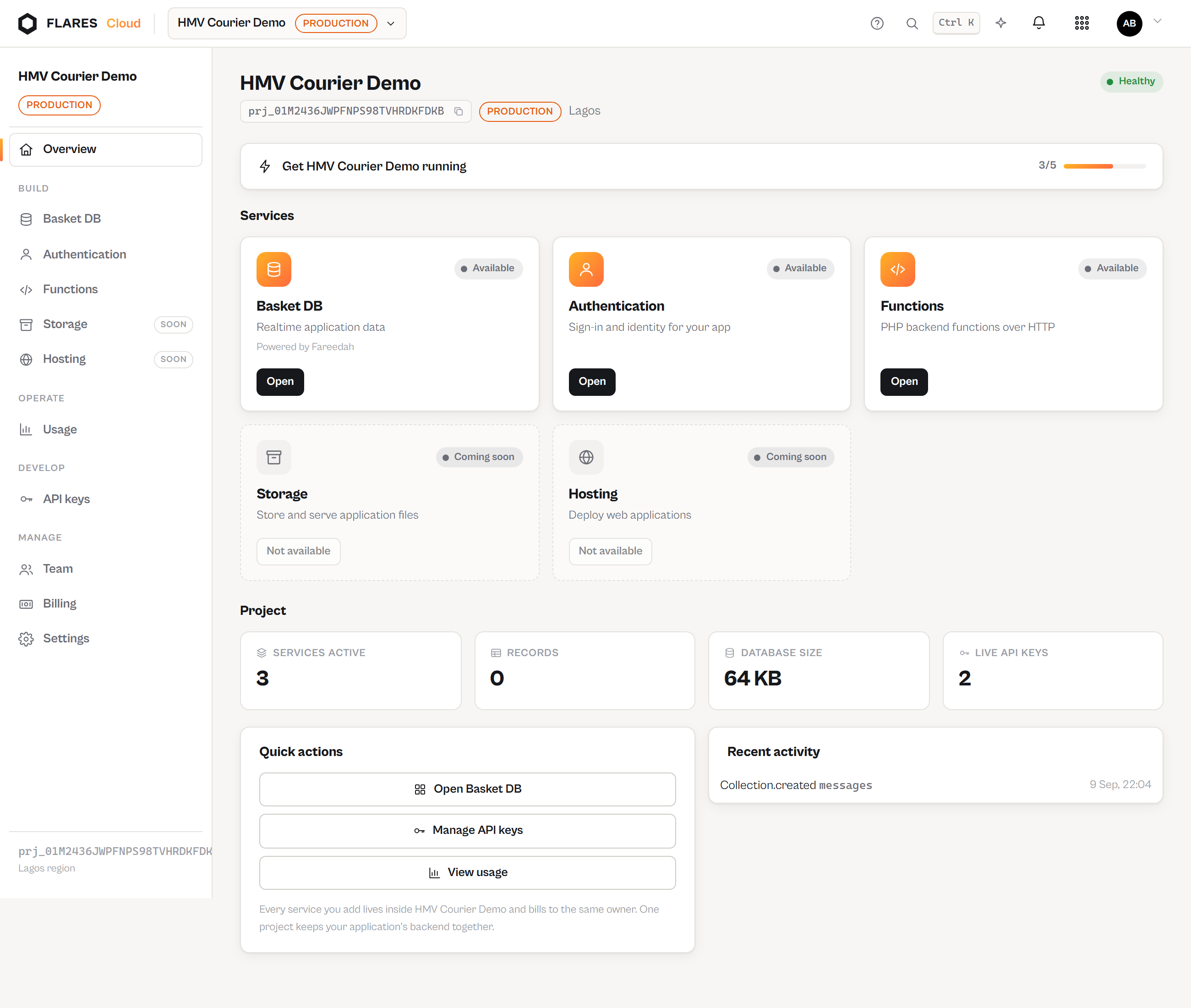
Settings holds the project's identity, the member list, ownership transfer (Teams & roles) and the danger zone. Deleting a project requires typing its name and schedules a purge with a grace window — until the purge date the data and backups are intact and the deletion can be cancelled from the same screen.