Collections & fields
Creating collections, field types, schema revisions.
Creating a collection
A collection is a named set of records with a typed schema. Create one in Basket DB → Collections, or from a backend with a secret key:
curl -X POST \
  -H 'Authorization: Bearer YOUR_SECRET_KEY' \
  -d 'name=messages' \
  -d 'fields={"body":{"type":"text","required":true},"sender_id":{"type":"text","required":true},"read":{"type":"boolean"}}' \
  https://cloud.flaresinc.com/v1/projects/YOUR_PROJECT_ID/collections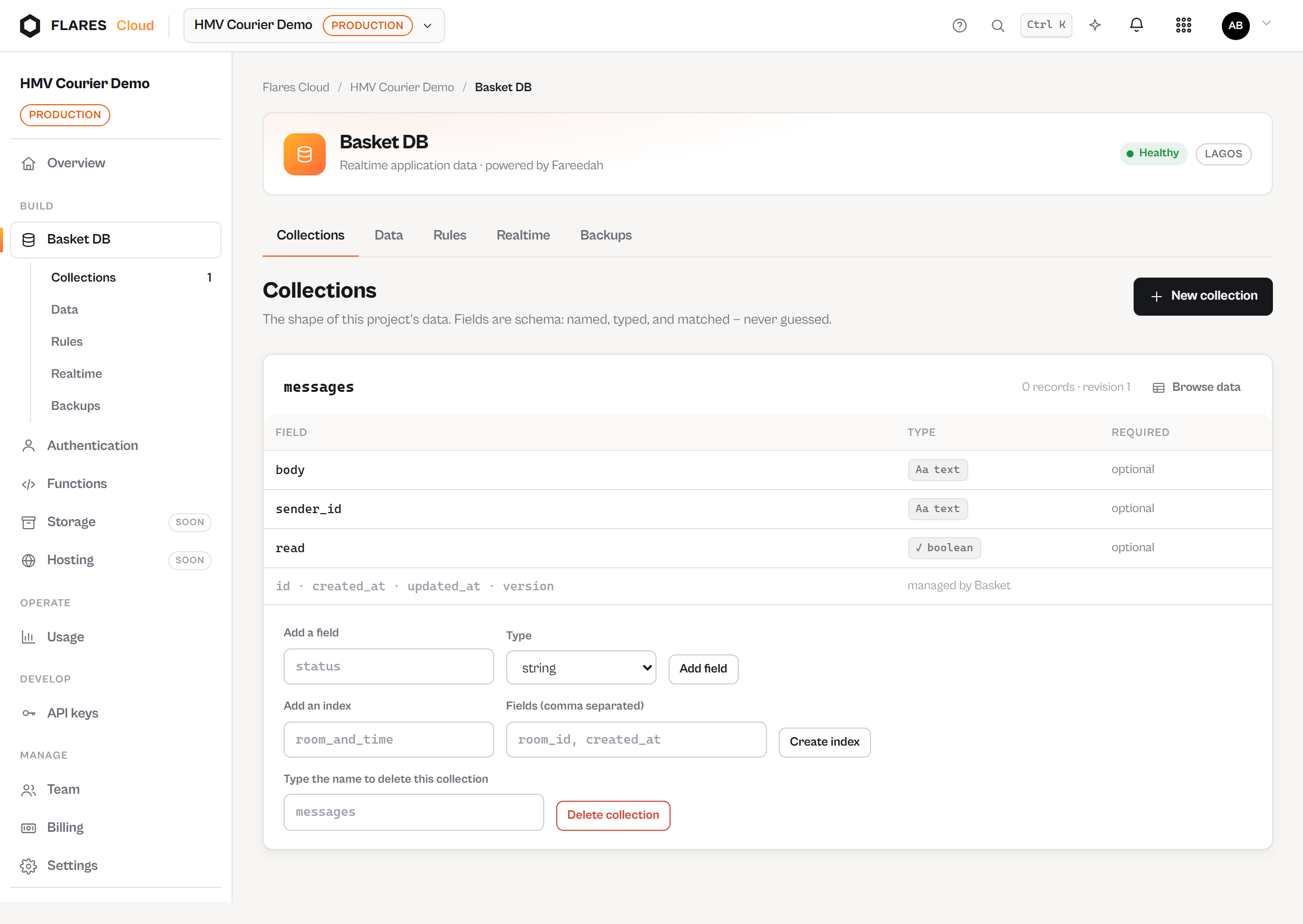
Field types
| Type | Stores | Notes |
|---|---|---|
text | Strings | The default for identifiers and prose. |
number | Integers and decimals | Compared numerically in queries. |
boolean | true / false | |
datetime | Timestamps | ISO-8601 in, ISO-8601 out. |
json | Nested structures | Stored whole; not queryable field-by-field. |
A field marked required is refused when absent — validation happens server-side, before the write.
Indexes
Add an index to a field you filter or sort on frequently. Without one the query still works; with one it stays fast as the collection grows. Indexes are created from the Collections screen and listed beside each collection's fields.
Schema revisions
Every schema change increments the collection's revision and is recorded. The project overview shows recent revisions, so "when did this field appear" has an answer.
Deleting a collection
Deleting requires typing the collection's name. It is not reversible from the console — take a backup first if the records matter.