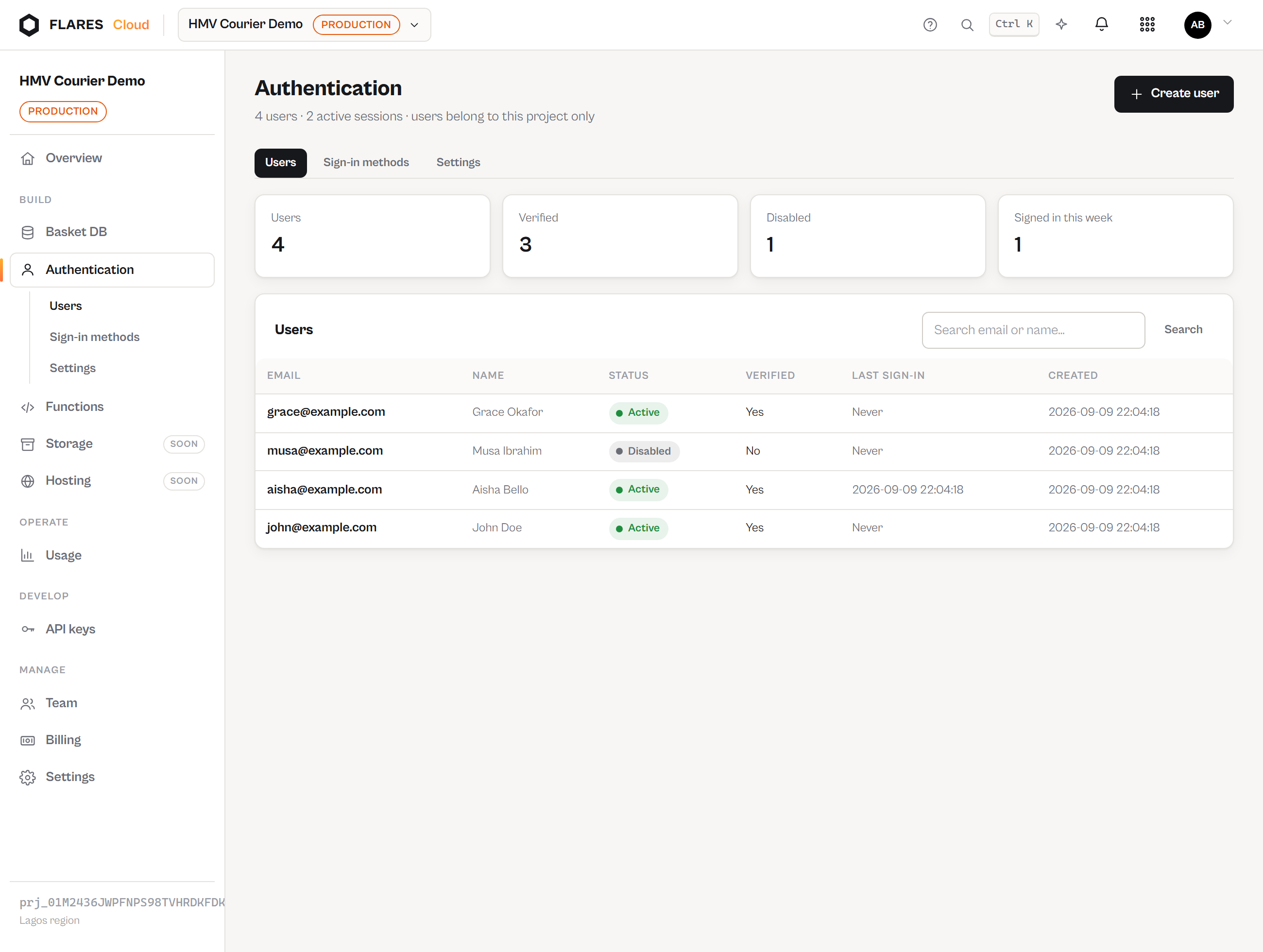
Auth overview
Authentication for YOUR application's users — not Flares accounts.
Whose users?
Flares Auth authenticates the users of the application you are building. If you
are building HMV Courier, its customers — john@example.com,
aisha@example.com — live in HMV Courier's Auth user pool.
cloud.flaresinc.com, has no access to your project or its console, and is not a
member of any Flares organization. The two identity spaces share no tables and no tokens. This
is a security boundary, not a convention.
Project-scoped pools
Every project has its own pool. john@example.com in project A and
john@example.com in project B are two unrelated identities, with different ids,
different passwords and different sessions. Nothing joins them.
What Auth gives you today
- Email & password sign-up and sign-in
- Email one-time codes (passwordless)
- Email verification, password reset
- Access tokens and rotating refresh sessions; revoke one or all
- Enable/disable and delete users, from the console or a backend
- Direct Basket rules integration and protected functions
Google, Microsoft, Apple, GitHub, OIDC and SAML are planned. They are listed in the console as coming later and are not available — no page here pretends otherwise.
Enabling Auth
Open your project's Auth service and press Enable Flares Auth. Until then, every Auth endpoint answers 404 — the service is genuinely absent rather than quietly running.