Backups
On-demand backups, where they are stored, and restores.
Taking a backup
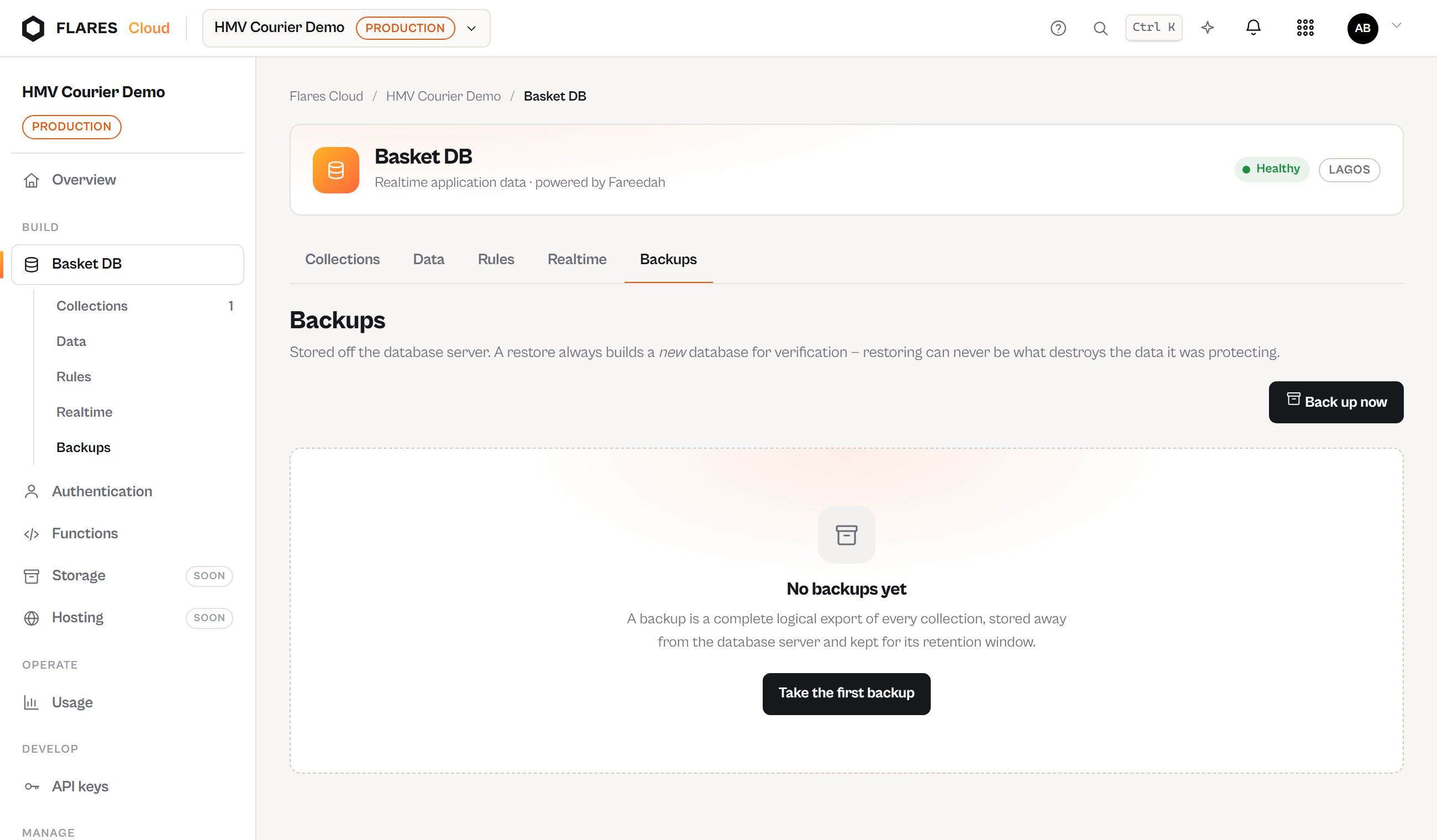
Basket DB → Backups takes an on-demand snapshot of the project's collections and records. Each backup records when it ran, how many records it captured and how large it is.
Where backups live
Never on the database server they came from — losing that machine must not lose the backups taken from it. In production they go to Flares object storage, off both the application and database hosts; the credential for it stays on the control plane, and the database server never holds it.
Restoring
Restores are performed by Flares operations from the operations console, so that a destructive action against live data is deliberate, attributed and audited. Open a support request with the project and the backup you want restored.