Functions overview
Deploy PHP, get an HTTPS endpoint, pay per request.
Backend code, without a server
A Flares Function is a PHP file that receives a request and returns a response. You deploy it; Flares gives it an HTTPS endpoint, runs it in an isolated runtime, records every invocation, and bills you per request.
https://cloud.flaresinc.com/run/{project}/{function}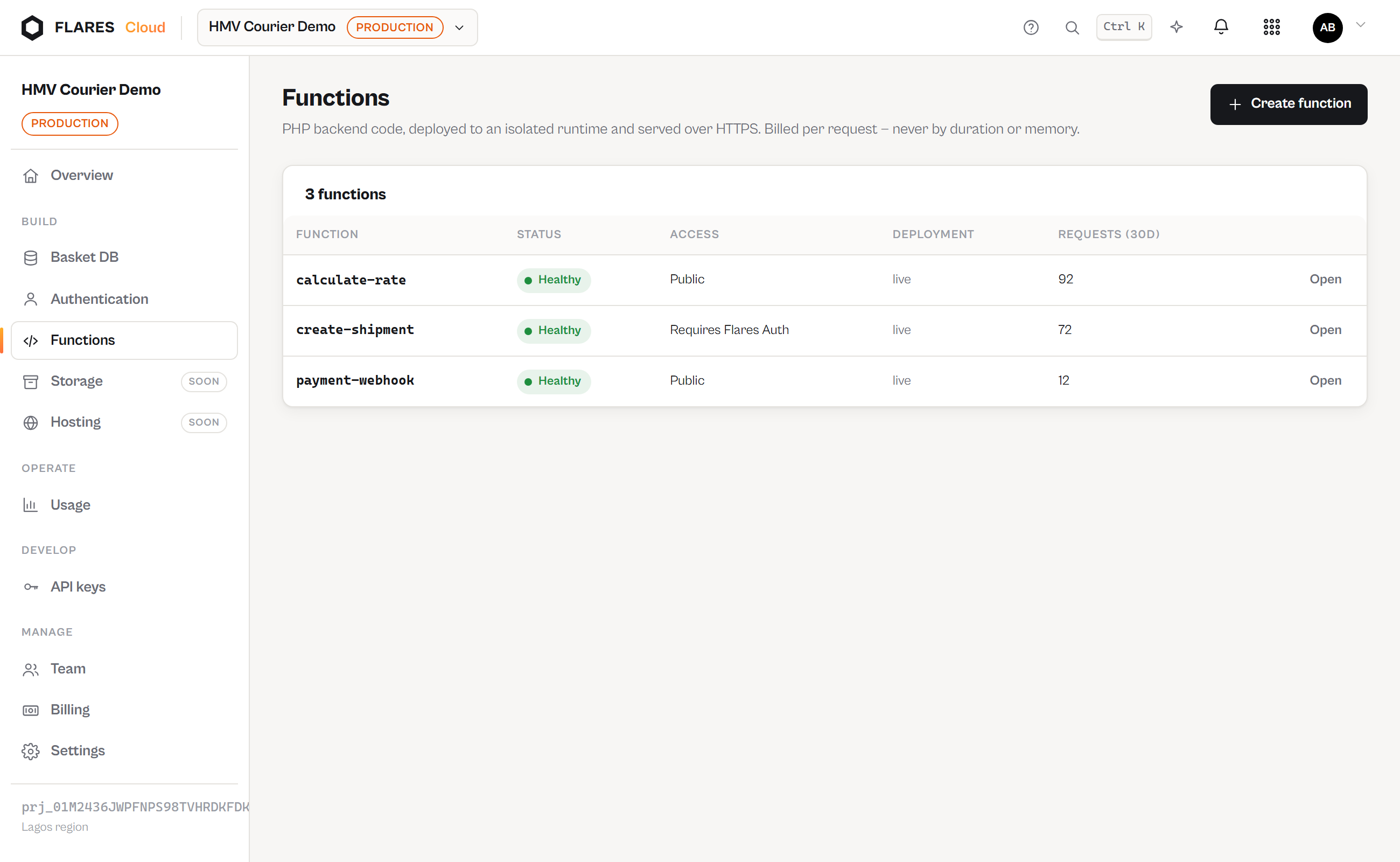
What it is not
Not shared hosting, not cPanel, not FTP, not a public_html. There is no long-running
web server of yours, no filesystem that persists between requests, and no way to serve a whole
site. It is: backend code → deployment → isolated runtime → HTTP endpoint.
Independent of the other services
Functions work with Basket DB disabled and with Auth disabled. Turn them on and they integrate — verified users in your handler, your project's database from your code — but nothing is coupled by force.
Billing, in one line
One dispatched invocation is one billable request. Not CPU seconds, not GB-seconds, not duration, not memory. The exact rules, with worked examples →
Your code lives in GitHub
Connect a repository once, and git push becomes the deploy step: Flares builds the
exact commit you pushed and switches production to it only if the build succeeds. One repository
can hold every function you have — a root directory per function.
Deploy from GitHub →
Uploading an archive still works and is the secondary path, for the cases a repository cannot cover.