Data browser
Browsing, filtering, editing and deleting records in the console.
Browsing records
Basket DB → Data shows a collection's records with its schema as columns. The collection selector switches between them; the row count and the current query are always visible, so an empty table tells you why it is empty — no records yet, or no records matching your filter.
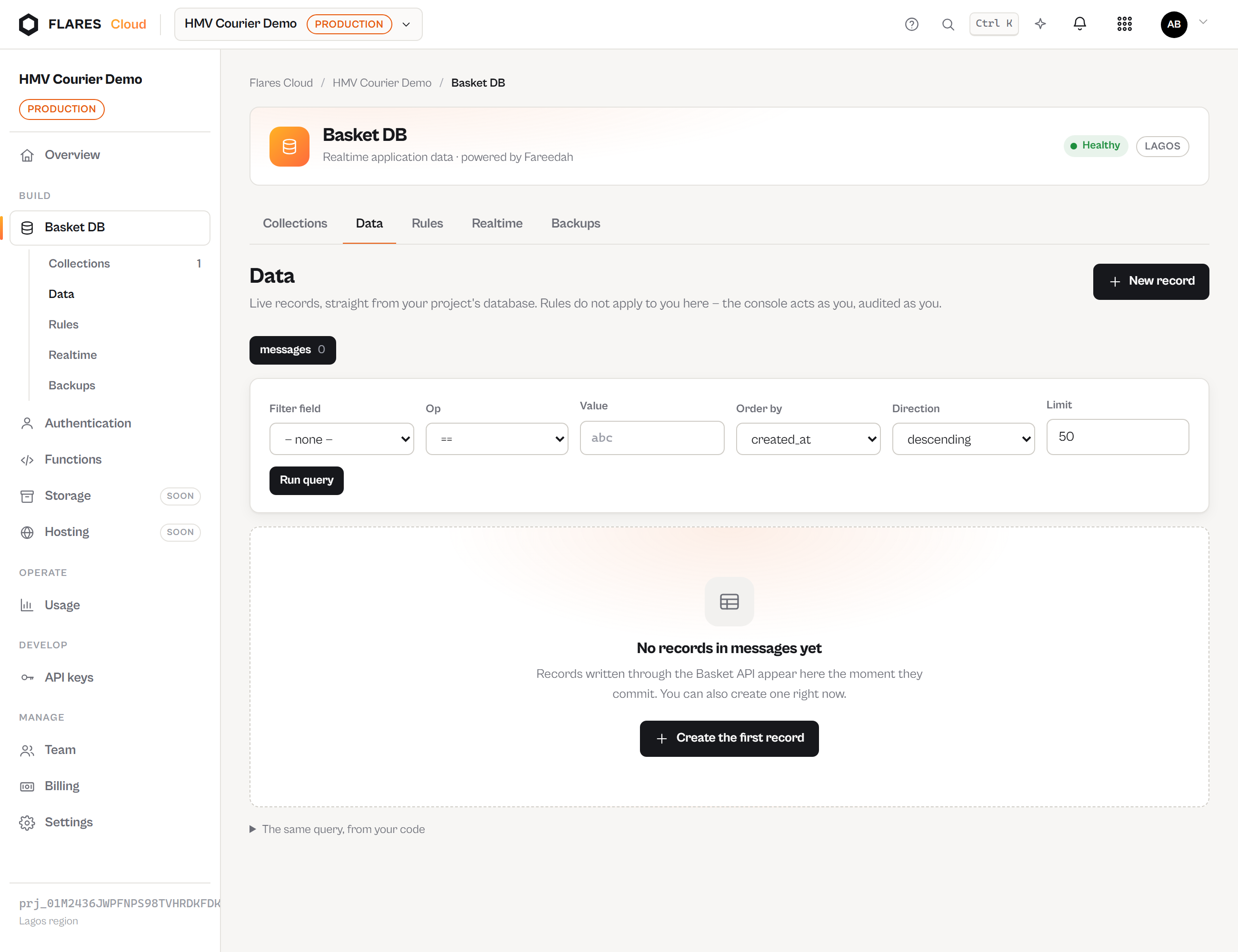
The query builder
Pick a field, an operator and a value; choose the sort field, the direction and the row limit. Everything you build here goes through the same query path the public API uses — the schema-matched field gate, the operator allowlist, bound values. The console cannot express a query a client could not.
The equivalent API call is shown beneath the results, ready to copy into your code.
Editing and deleting
Records can be edited inline and deleted from the row. Deletion asks first. Every console write is attributed to your Flares Account in the audit log — the console is a caller like any other, not a back door around rules.
Creating a record
The form follows the collection's schema: required fields are marked, types are enforced. From code:
await fetch(`https://cloud.flaresinc.com/v1/projects/${PROJECT}/collections/messages/records`, {
  method: 'POST',
  headers: { 'Authorization': `Bearer ${PUBLIC_KEY}`, 'Content-Type': 'application/json',
             'X-Basket-User-Token': accessToken },
  body: JSON.stringify({ data: { body: 'Hello', sender_id: user.id } })
});